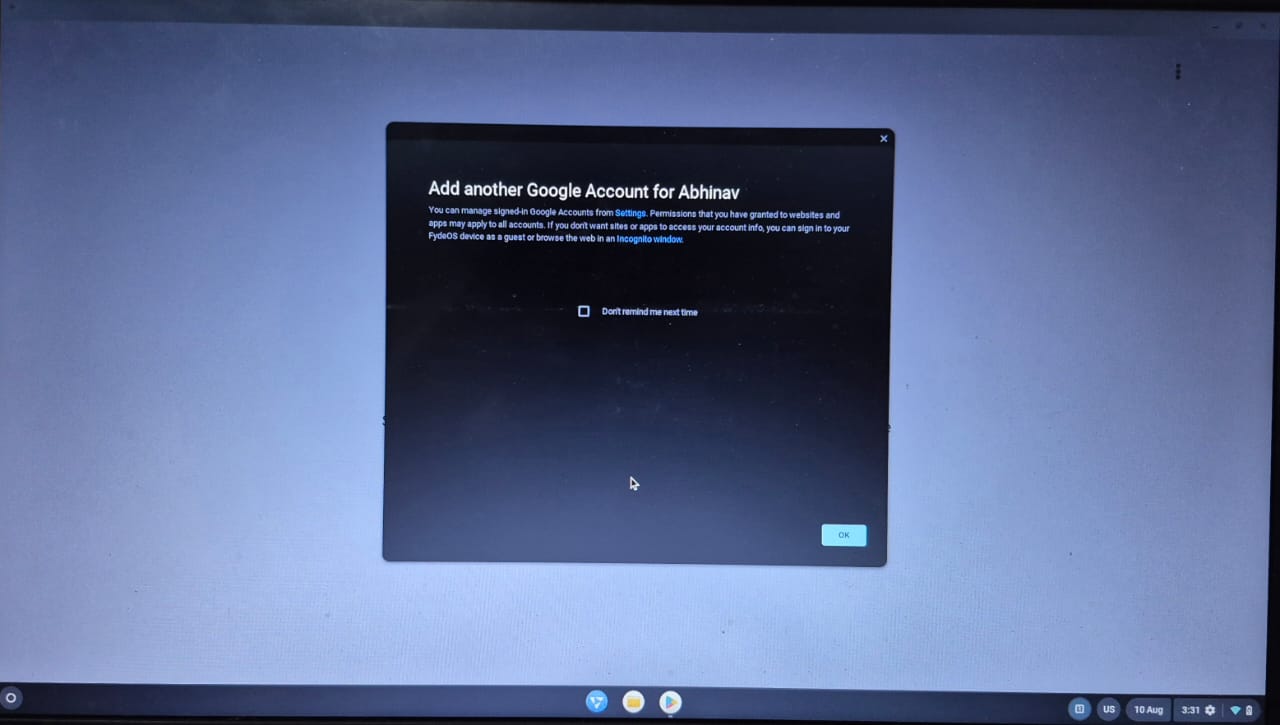
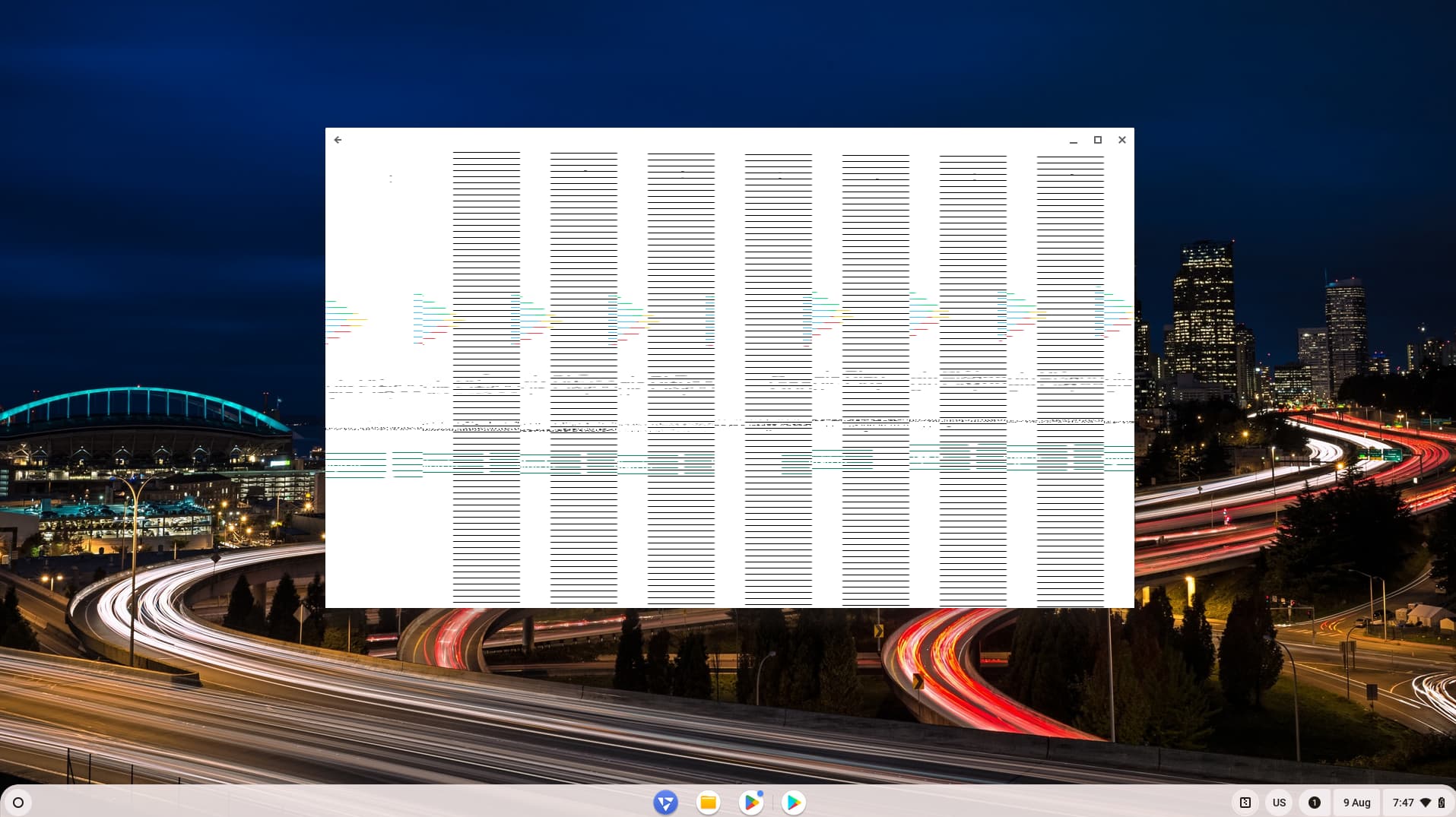
I then added another account and still when i click sign in, it keeps showing this.
Laptop model: Dell inspiron 15 5570
Processor: Intel Core i7-8550U
GPU 1: INTEL UHD GRAPHICS 620
GPU 2: AMD RADEON 530
Would there be a way to fix this issue?
FYDE OS Version : fyde os 17.1 Modern
We’ve upgraded the GApps Configurator app, and it no longer supports FydeOS v17. Please use the legacy version instead. For more details, refer to this document.
Yes i first powerwashed but the pop up still came then i reinstalled the os and still the same. I couldn’t use fyde os 18 or 19 because they were stuck on the fyde os logo. (Modern variant). I tried fyde os 20 (modern and amd graphics variant. It got stuck on a black screen. But fyde os 20 (slim variant booted for me). But android subsystem is like this for me in fyde os 20 slim variant
I actually used this method with hwtuner. And clicked Block kernel driver/module (amdgpu) and restarted but android subsystem was still the same. And i powerwashed and then tried disabling the dgpu with hwtuner then installed android subsystem but it was still the same