Hello,
I installed FydeOS on hardware with an Asus H610M-H motherboard.
I’m trying to use an Android app that uses a printer and card reader.
But these peripherals can’t communicate with the system.
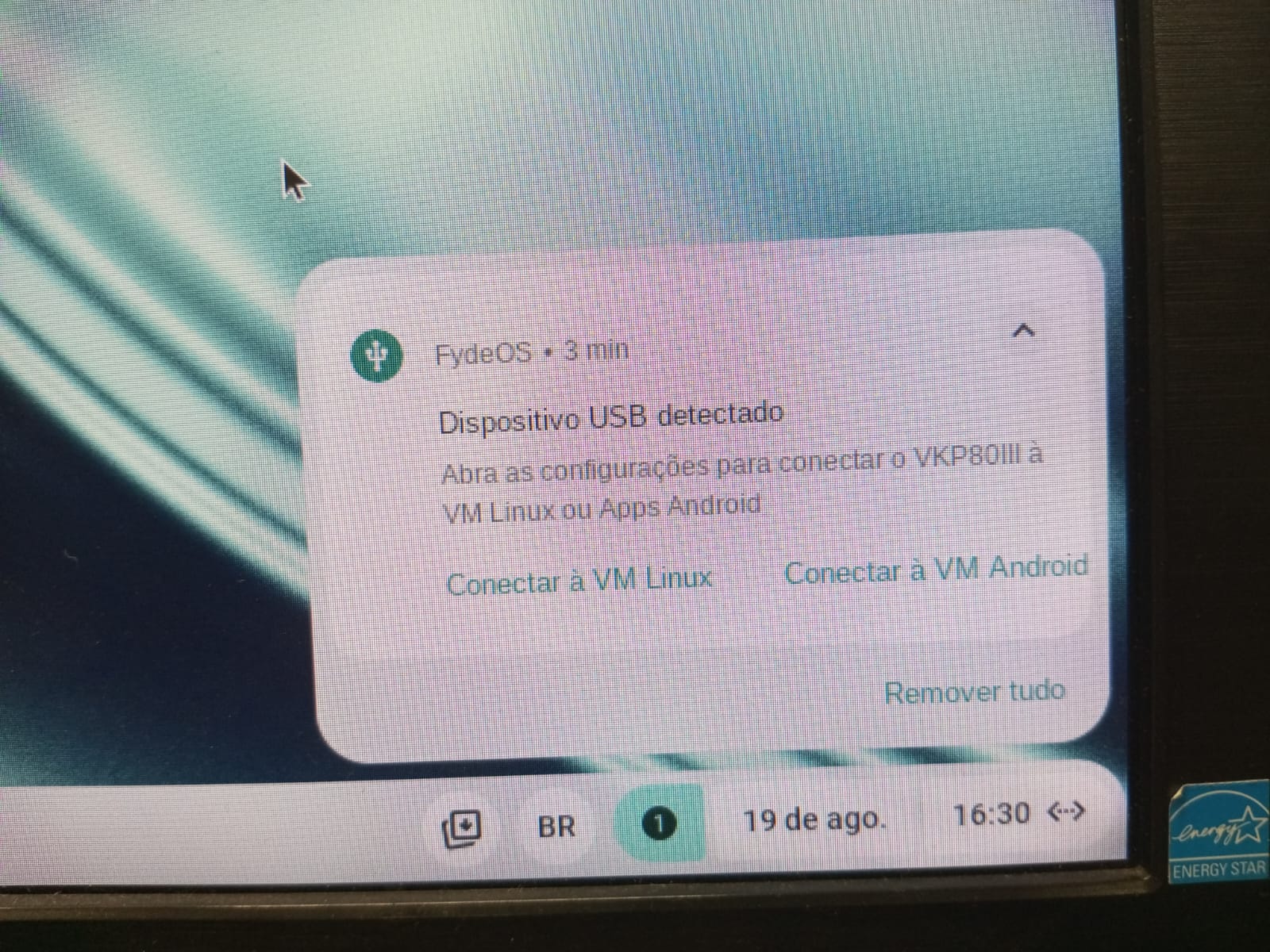
To get them to work, I have to disconnect the USB cable and reconnect it, then select the option to connect to VM-Android that appears in the pop-up at the bottom of the screen.
I need a solution where I don’t have to restart the USB every time.
I need a way to make VM-Android recognize the USB without having to restart the USB and select the VM-Android option.
Could someone help me?