Have you searched the community for related issues?
Yes, but fixes don’t seem to work
Please describe the problem you’ve encountered in detail:
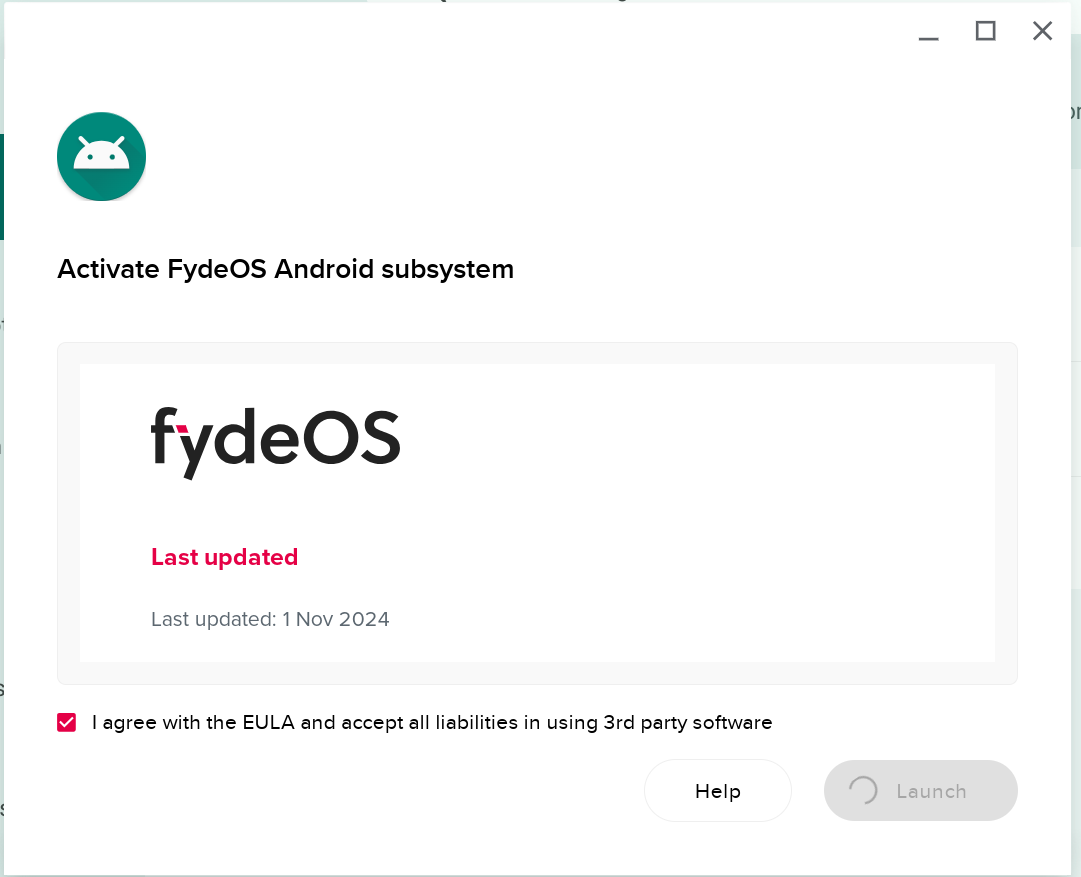
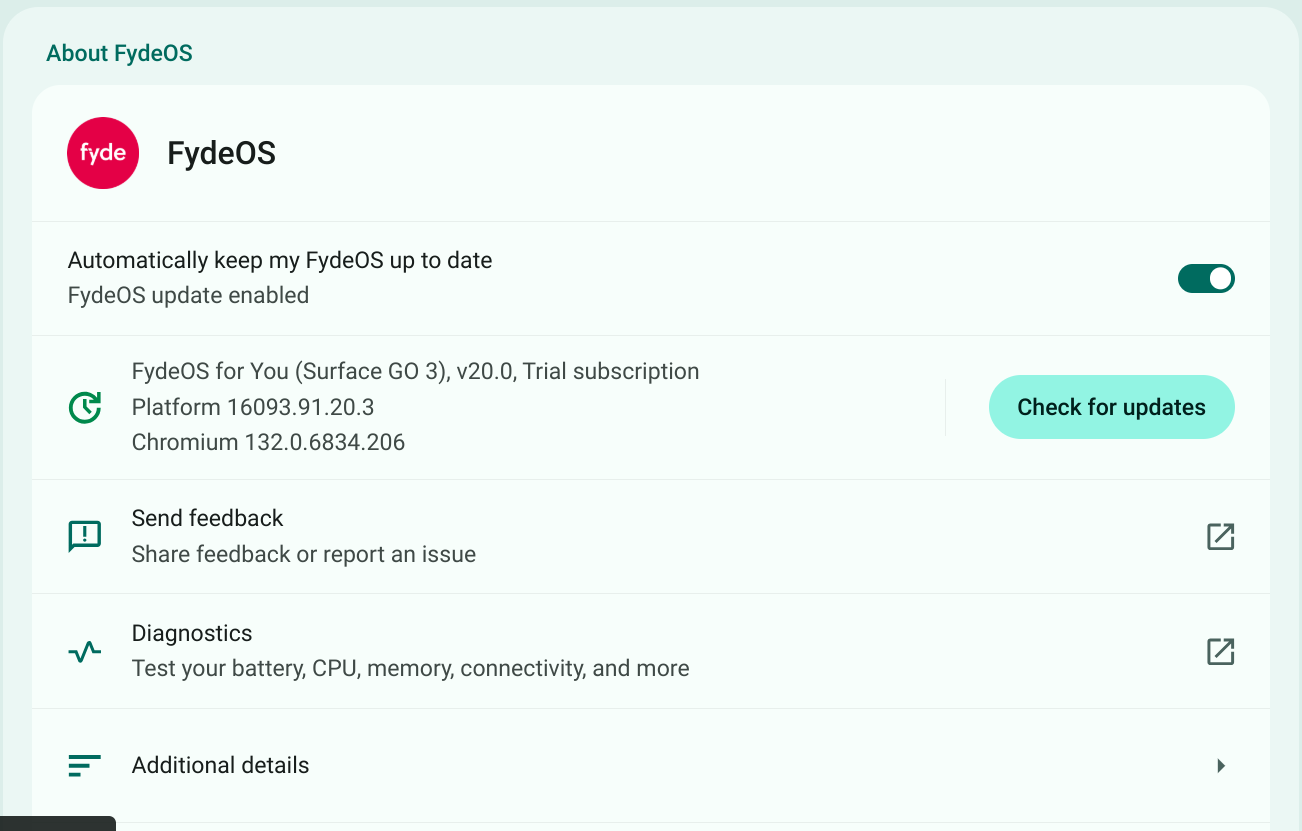
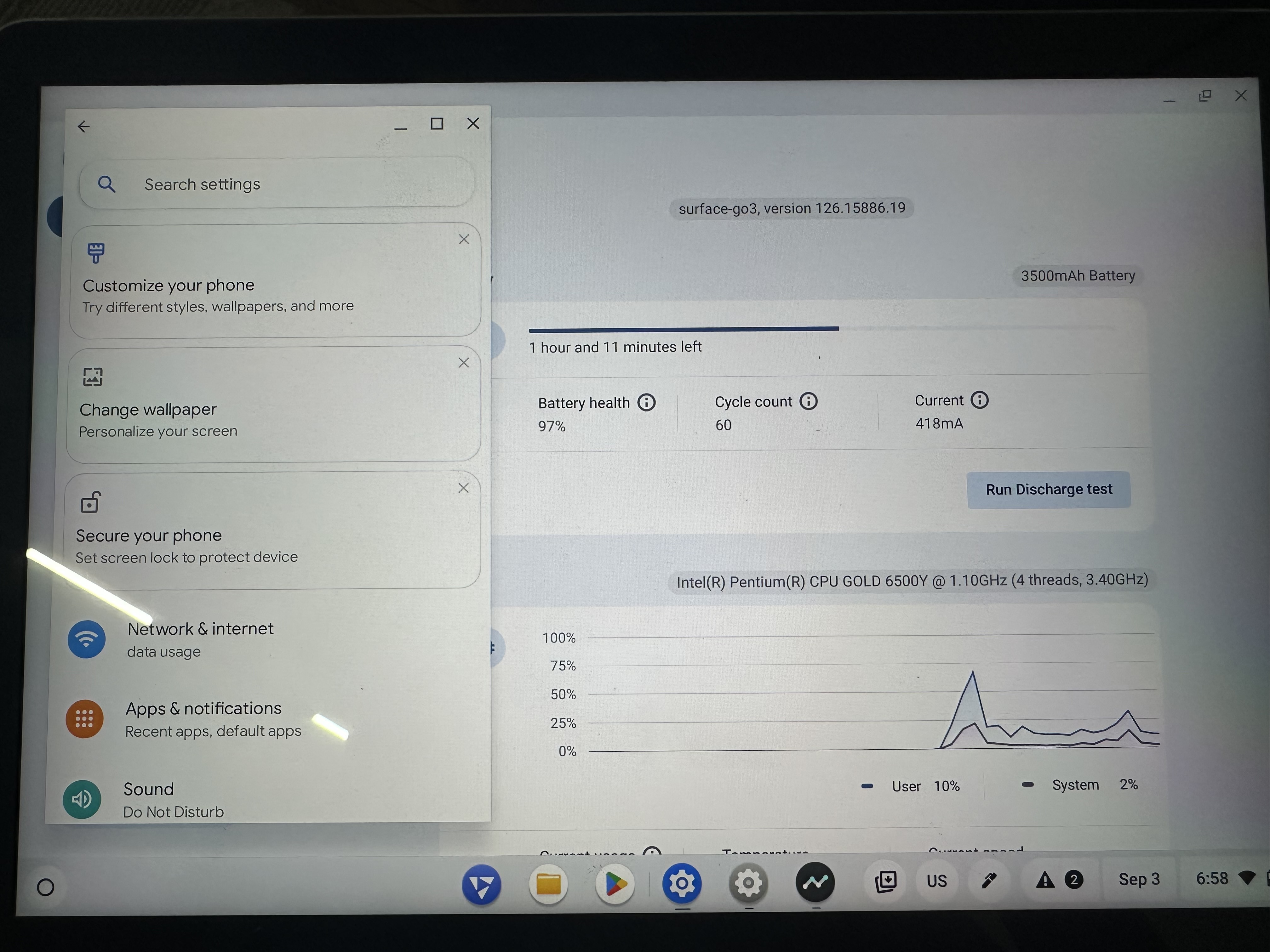
Description: I installed FydeOS 20 on a Surface Go 3, using the FydeoOS For You installation for the device. The installation worked okay but when I try and enable the Android Subsystem, it gets stuck on endless loading. I know that this is a known issue and, as suggested on the relevant Help pages, I have enabled developer mode, disabled root system verification and attempted to disable discrete GPU. I do not have a NVIDIA/AMD discrete graphics card alongside an Intel integrated graphics card. I presume I shouldn’t disabled my Intel graphics card? I also installed and uninstalled GApps.
None of these attempted fixes worked. Can anyone help?
System & Device Information
Hardware & System Configuration:
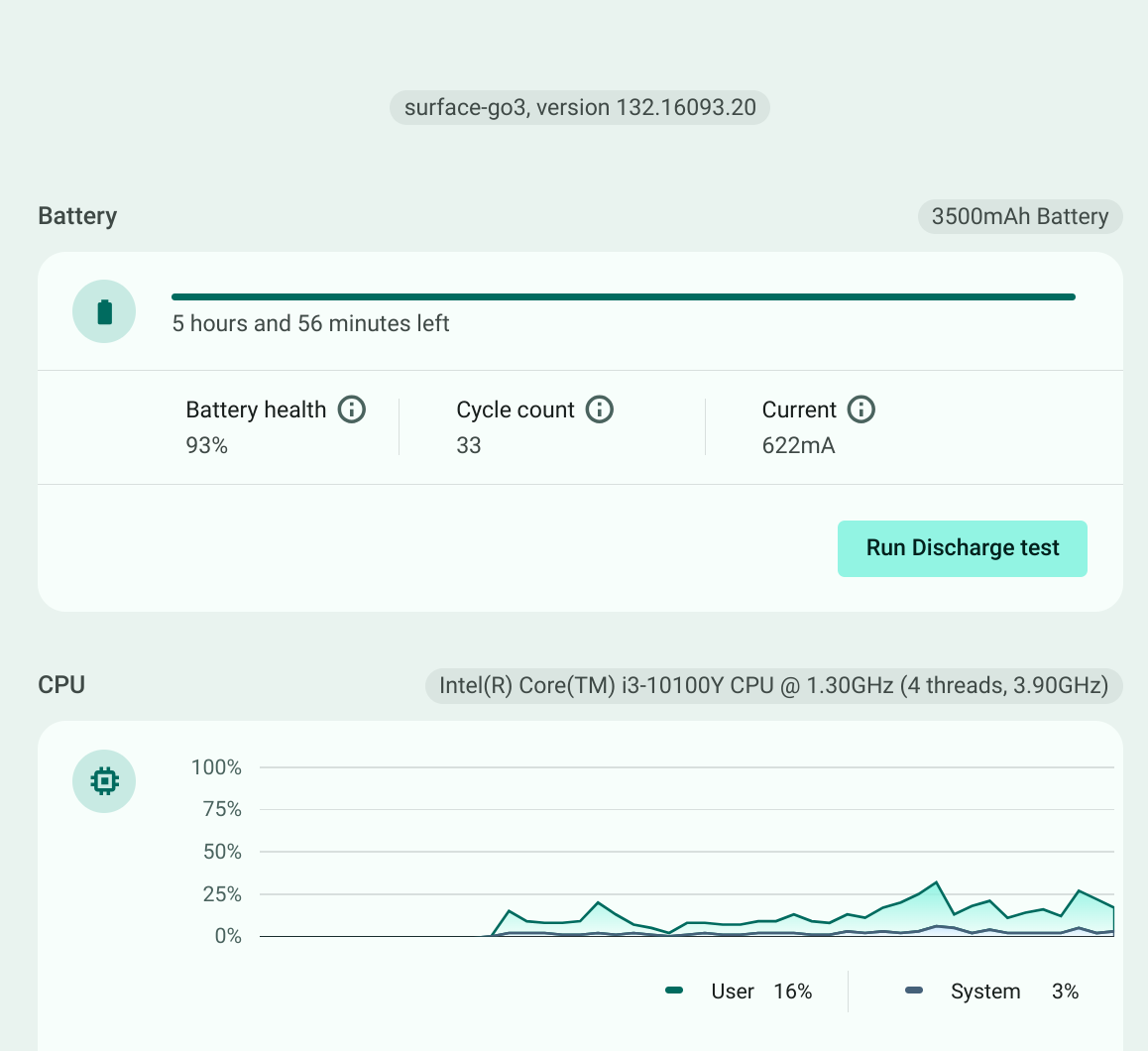
Processor:
Graphics Card(Please specify if there’s a discrete graphics card): i915
RAM:
FydeOS Version: 20
Relevant System Logs:
Open the Chromium browser and enter /var/log/messages to retrieve logs.
I have now powerwashed and the sitauation is as it was before: When I try and activate the Android Subsystem I get an endlessly cycling wheel after I tick the box and press ‘Launch’. Can anyone help?
 Question Description
 System & Device Information