hello I have laptop dell latitude e5570 i5-6440HQ CPU with 2 gpu card intell and amd i installed FydeOS Intel slim everything on my computer and it was working fine, but the problem arose when I opened Google play store it—it looked just like the attached screenshots. i tried changing the graphics card default settings from amd to intel , but it didn’t work. My question is: how do I change the default from amd gpu to intell
but the sme probleme existe
RunWARNING: Potential conflict: radeon amdgpu
WARNING: Suggestions from fydeos:
Best compatiable devices: i915
Basic compatiable devices: amdgpu nouveau
*******************************************************************************************************************(0) Tuning kernel module: (i915) params.
(1) Block kernel driver/module: (i915).
(2) Tuning kernel module: (radeon) params.
(3) Block kernel driver/module: (radeon).
(4) Tuning kernel module: (amdgpu) params.
(5) Block kernel driver/module: (amdgpu).
(6) Search kernel message for graphic driver error
Path: root>graphic>
===================================================================================================================e(x)it without save | go (r)oot | show (m)enu | s(h)ow help | (e)xit with save | remove latest save(d) command | show (c)ommand list | go (b)ack |
Screen Control: [Shift-PgUp]Scroll up | [Shift-PgDn]Scroll down
Input hotkey or index number of menu:5
Saved command list:
0 Block driver “amdgpu” to prevent it being used by the system.
End command list
WARNING: The block command was saved temporarily, you can revoke it by removing the last saved command.
===================================================================================================================e(x)it without save | go (r)oot | show (m)enu | s(h)ow help | (e)xit with save | remove latest save(d) command | show (c)ommand list | go (b)ack |
Screen Control: [Shift-PgUp]Scroll up | [Shift-PgDn]Scroll down
Input hotkey or index number of menu:e
Run commands:
OK: block_module amdgpu
cat: /tmp/grub_mnt/efi/fydeos/grub.cfg: No such file or directory
cp: cannot stat ‘/tmp/grub_mnt/efi/fydeos/grub.cfg’: No such file or directory
cat: /tmp/grub_mnt/efi/fydeos/grub.cfg: No such file or directory
sh: 1: cannot create /tmp/grub_mnt/efi/fydeos/grub.cfg.new: Directory nonexistent
cat: /tmp/grub_mnt/efi/fydeos/grub.cfg.new: No such file or directory
sed: can’t read /tmp/grub_mnt/efi/fydeos/grub.cfg.new: No such file or directory
mv: cannot stat ‘/tmp/grub_mnt/efi/fydeos/grub.cfg’: No such file or directory
mv: cannot stat ‘/tmp/grub_mnt/efi/fydeos/grub.cfg.new’: No such file or directory
WARNING: The kernel module configration has been changed, reboot to apply the change.
If the command-line method doesn’t work, then unfortunately there isn’t much else you can do. The only remaining option would be to physically remove or disconnect the dedicated GPU.
 Question Description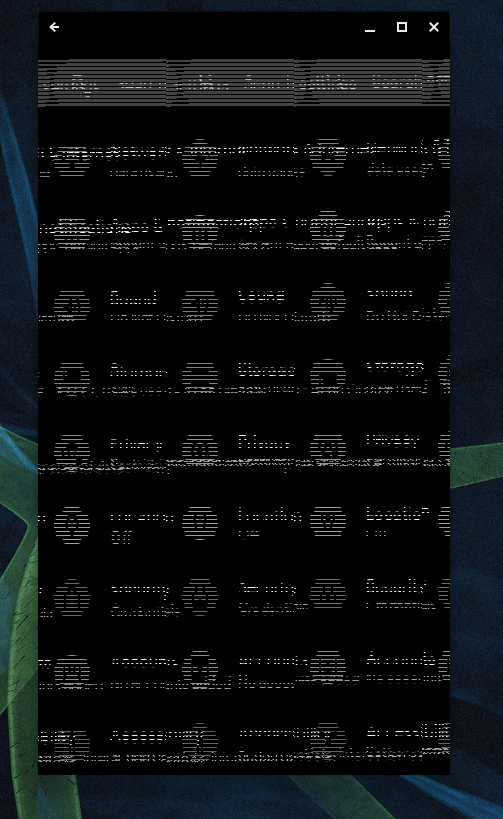
 System & Device Information