I’ve tried the legacy as well. I powerwashed, re-setup my google account for login. I re-enabled android. I completed the pre-req’s (Dev mode and disabled rootfs).
After installing the configure GApps, I accept the EULA, then this screen apprears and I cannot proceed.
I tried this using the manual method, option 2. I downloaded the v11 and v9, Pico, x86/x64 version of gapps. I installed the loader using the manual load unpacked extension.
It attempts to load going to 40% sometimes more then fails at the invalid RSA error. I’ll get the exact log this afternoon and paste it. The same error happens on both v11, and v9 gapps.
I performed the prereq steps. However, I’m not sure how to verify/validate step 2, disable rootfs step. The command says it was successful and prompts for a reboot which I completed. I’ve run it 3 times and rebooted just in case.
Very good on the updated instructions.
I was able to get it completed successfully.
On this computer, the performance of the android app was not very good, it was pretty slow. For this computer, I decided to use ubuntu linux instead. I will be trying this distro in the future.
 Question Description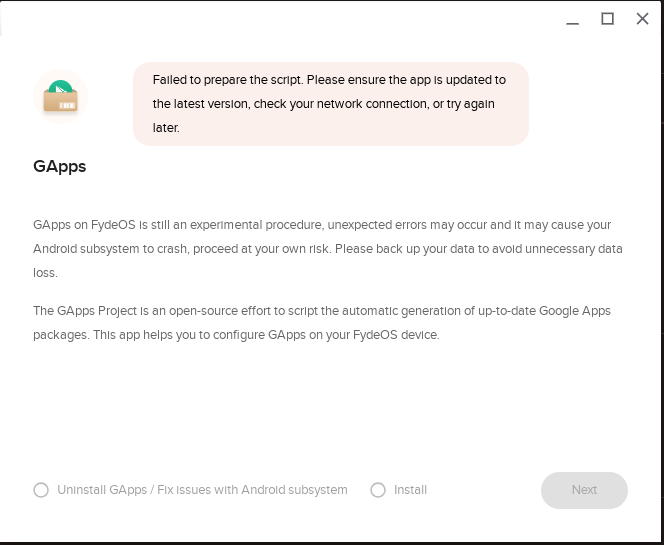
 System & Device Information